brand-guide
Events
For the events team: how to make an event’s banner and write its description, so every event looks like Indy Center wherever it’s posted.
Where events go
Events are often posted to four places, with the same banner and the same text, trimmed to fit:
- Community Site (Our main hub of community information)
- Discord (a scheduled event in the Indy Center server)
- VATSIM (my.vatsim.net events)
- VATUSA (the division’s event calendar)
The event banner
Make one banner at 1920×1080 (16:9), PNG or JPG, under 8 MB. VATSIM and VATUSA show the whole image. Discord shows only the middle band, 1920×768, and cuts off the top and bottom.
So keep all text and logos inside the Discord band, with about 96 px clear at the left and right.
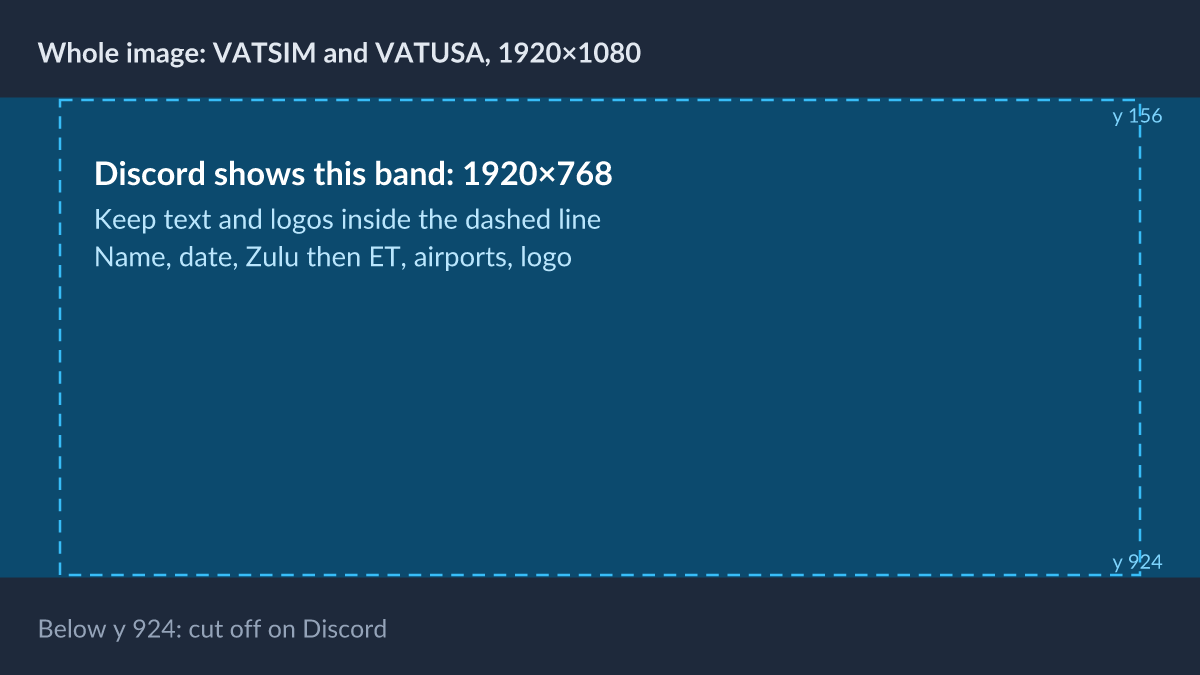
Start from the template:
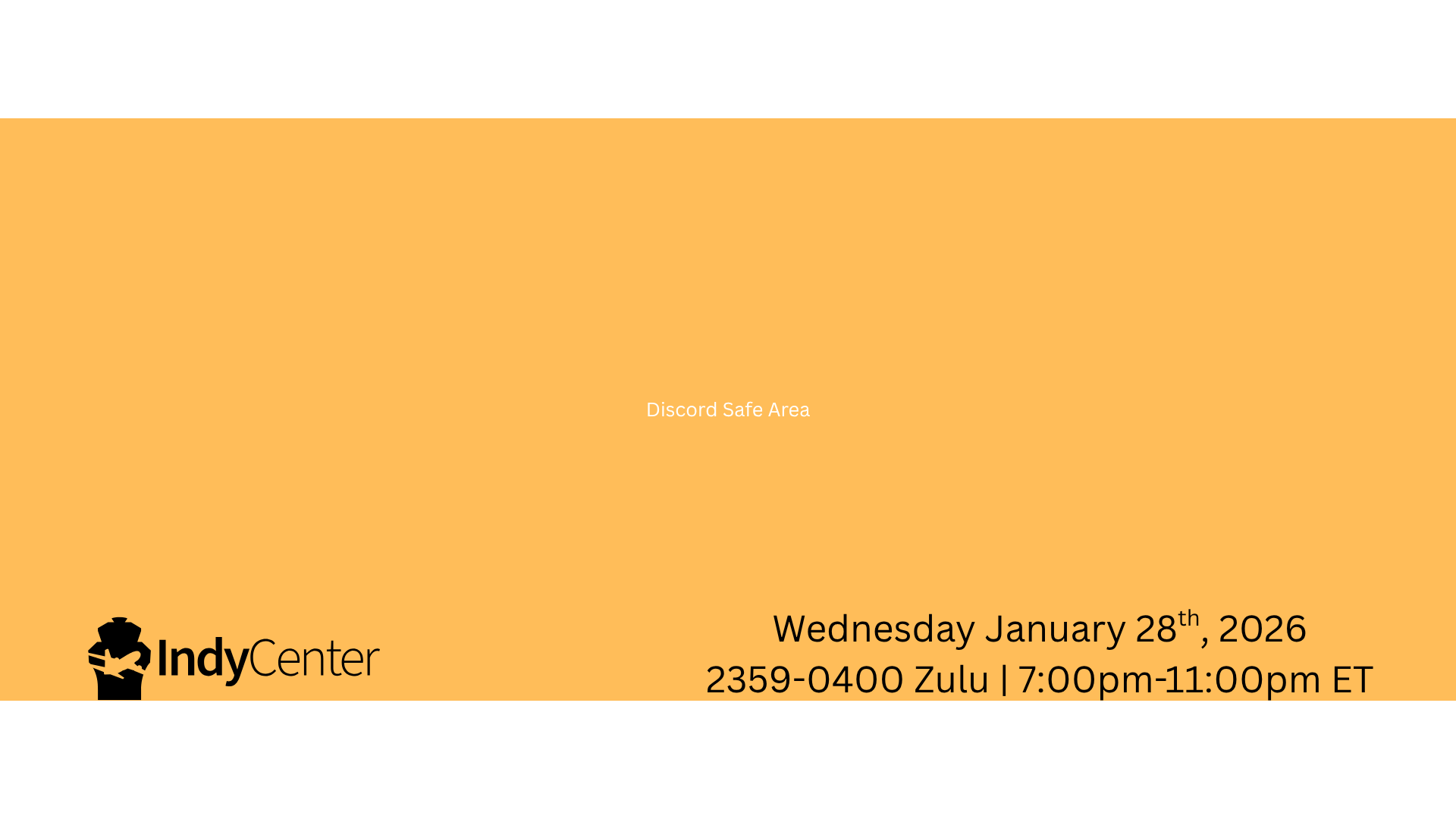
What every banner shows
- The event name.
- The date.
- The start and end times in Zulu, then the same times in Eastern: “2359–0400 Zulu | 7:00–11:00 PM ET”.
- The airports by ICAO code, where the event features any: KIND, KCVG, KSDF.
- The logo, inside the band. Use white on dark images and black on light ones (see Marks).
For an event co-hosted with another ARTCC, VATSIM/VATUSA, or a partner, show both logos at the same height, side by side.
An event that starts at midnight Zulu may be written as starting at 2359Z the day before. 0000Z falls on the next Zulu day, so writing 2359Z keeps the Zulu date the same as the date most members see that evening.
On flyindycenter.com
The site’s events list shows each banner as a narrow strip, cropped to the middle. Text near the top or bottom won’t show there, so make the banner’s picture work on its own too.
The event description
Use the same text on every platform, in this order:
- A one-line hook. What makes this event worth flying or controlling.
- What and where. The airports, by ICAO code and name.
- When. Zulu with a “Z”; in Discord, a timestamp tag as well, so each reader sees their own time (see Voice and writing).
- Who it’s for. Pilots, controllers, or both, and any experience needed.
- Links. Routes, charts, booking, the event on the other platforms.
If there’s more to say, such as a partner involved, a giveaway, or other news, add a short note at the end. Tailoring this note based on platform audience is acceptable.
Text limits
| Name | Description | |
|---|---|---|
| VATSIM | — | A short description of about 280 characters, then a full one in Markdown |
| VATUSA | Up to 240 characters | Markdown, no set limit |
| Discord | Up to 100 characters | Up to 1,000 characters |
Write the hook and the first lines so they work alone when a platform cuts the rest.
Event names
Keep them brief and catchy: two or three words is plenty. Write VATUSA’s own event names, such as FNO, as VATUSA writes them.